
Name-Based Case Searches
For a Surry case by name, the main public route is Smart Search on the North Carolina Portal. Type the name in last-name-first order and submit. Because Smart Search works by party, one name can pull up several matters. Layer on the Surry County location, a case type, a status, a filing-date range, or a date of birth range only after the main name or record-number criterion is in place. Public results show the birth year when recorded. The month and day stay masked.
- Open Portal Smart Search and enter the last name, first name in the main Record Number OR Name field.
- Select Submit, then narrow a broad result with the Surry County location and a documented case-type, status, or date filter.
- Open the returned record number to read the Case Summary, also called the Register of Actions.
- Use the Hearings section or Portal Search Hearings when the question is a current Surry court date rather than a case-history question.
The accessible field inventory comes from the state's official Portal guide. Two cautions go with it. Advanced filters can never stand alone, and an incompatible status filter can hide a result you expect to see.
| Field label | Type | Required | Surry search use |
|---|---|---|---|
| Record Number OR Name | Text | One primary criterion | Enter an exact record number or a name as last, first. |
| Location | Selector | Optional | Choose Surry County to narrow statewide results. |
| Filter by Search Type | Dropdown | Optional | Includes case number, business name, citation number, and other documented types. |
| Case Type / Status | Dropdown | Optional | Use only after the main search; type and status choices can interact. |
| DOB From / DOB To | Date inputs | Optional | Helps distinguish people with the same name. |
Surry County Portal Case Search
North Carolina Portal serves as Surry's central public docket-search channel. It is not a separate county search site. Surry joined the live eCourts system on July 21, 2025. Searching and viewing public information on Portal costs nothing. No registration is needed for anonymous use. A registered public user gains a My Cases folder. It saves cases. Registration does not hand a standard user any additional access to court information.
Smart Search is the route to a public Case Summary. Search Hearings is the separate route for current setting details. The official Portal landing interface presents both. They appear from its opening screen.
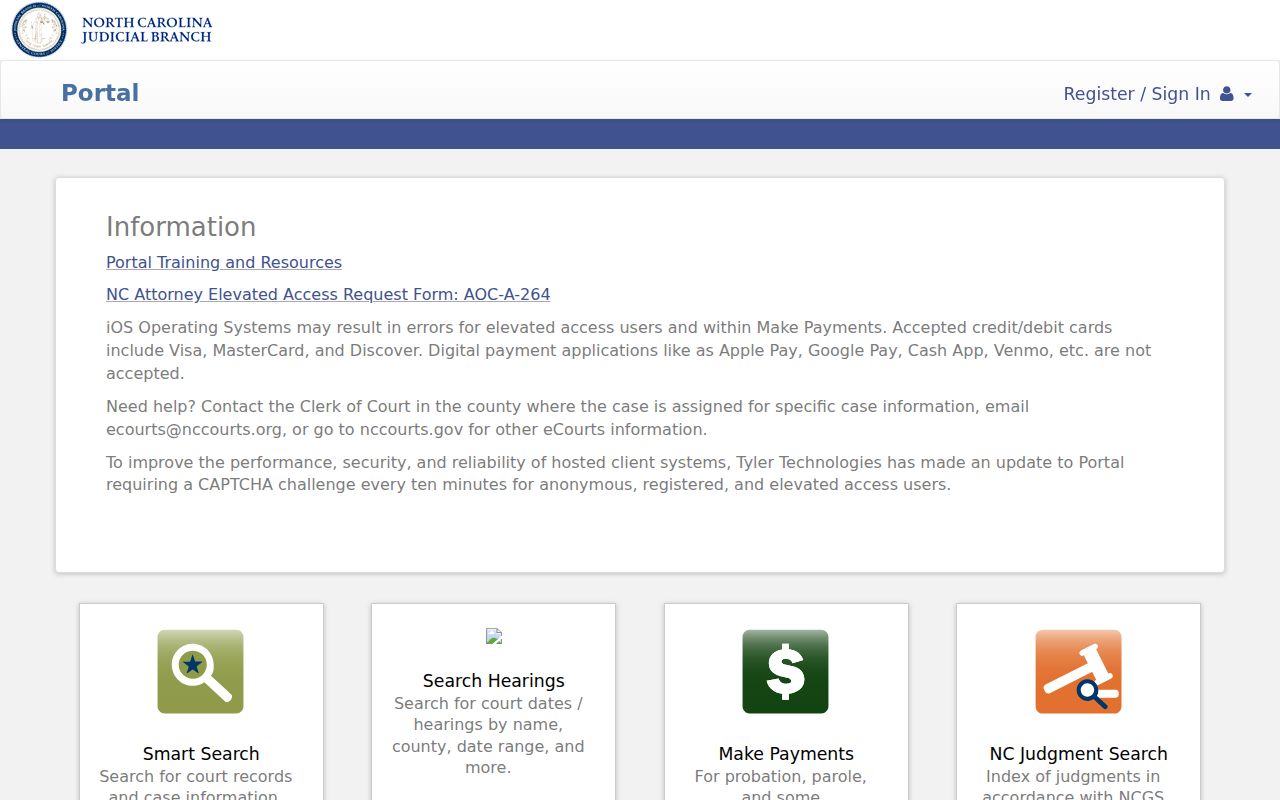
Portal is a search and viewing application, nothing more. It is not the North Carolina application used to submit a court filing.
Case Number Searches
The most direct input for a Surry case search is an exact record number. New Enterprise Justice record numbers have four parts. A number starts with a two-digit year. Case-type letters follow. Then comes a six-digit sequence, and the last piece is a three-digit county identifier. The official guide offers 23IF000022-420 as an example. Put a known number straight into the primary Smart Search field. Do not try to adapt an old calendar number to the new format.
Older Surry Superior Criminal PDFs sometimes show legacy-looking 23CRS... numbers. That difference comes down to system representations. It does not mean a public search should return more than Portal gives. When the newer number is unknown, run a name search or ask the Surry clerk to identify the public record number.
- Case Summary
- Portal's chronological, case-level view of filed, scheduled, ordered, or otherwise entered events.
- Record number
- The Enterprise Justice identifier used to retrieve one Case Summary.
- Case Event
- A dated action such as a filing, order, setting, service event, or status change.
- Disposition
- The formal outcome or status of a matter, distinct from the date of a hearing.
Surry Case Search Record Numbers
Treat the four components as one state format: year plus case-type letters plus sequence plus county identifier. No Surry-specific numeric suffix swaps into the sample number. A complete record number points the search at a single matter. A partial or legacy number may send you back to a name search. Add the Surry location filter there.
Case Search Results Explained
Open a public Surry result. You land on the Case Summary or Register of Actions. Sections vary with the case. Possible panels include Case Information, Assignment Information, Party Information, Causes of Action in qualifying case types, Case Events, Dispositions, Hearings, Financial Information, and available documents. Each one is conditional. A blank financial section, for instance, does not prove no amount was ever ordered. A listed event does not guarantee every supporting document is online. Read panels in that spirit.
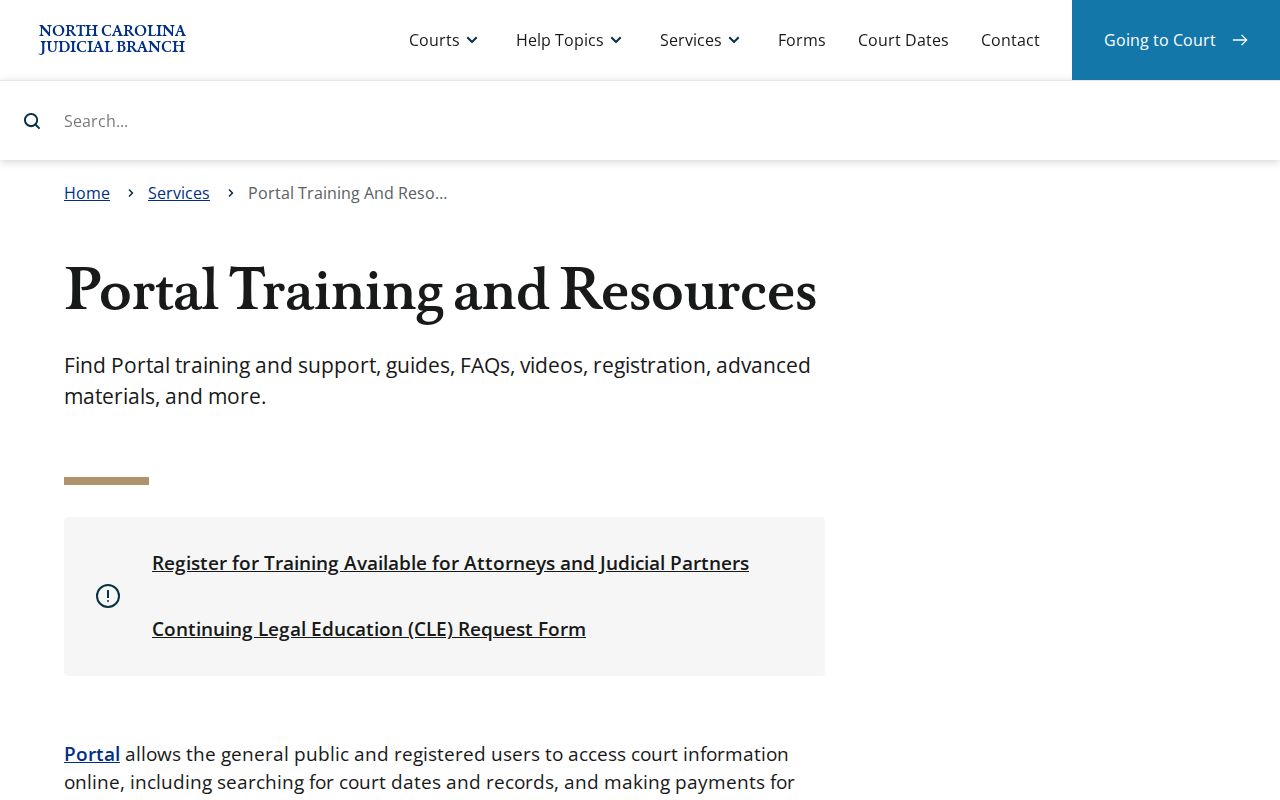
The official Portal training and resources page draws the line between a search result and the Case Summary. It also covers the separate hearing or payment functions.
Read any public case result in chronological context. Portal downloads public documents one at a time. There is no mass-download function.
| Case Number | The Enterprise Justice record number that opens the individual Surry Case Summary. |
|---|---|
| Case Information | Basic case-type and status information, with filing-date context where available. |
| Assignment Information | Court or assignment context for the case, separate from the substance of a filing. |
| Party Information | Participants in court roles; Portal results exclude victims. |
| Hearings / Case Events | Current setting information and dated case actions that should be read in sequence. |
| Documents / Financials | Public documents and case-level financial information only when that data is available. |
Surry Case Search Result Limits
Portal caps the display at 200 results. A result-limit message means the query needs narrowing. It does not mean the first results are the complete answer. Add Surry County as the location. Then apply a documented date range, case type, or status. For a common name, an exact date of birth range can separate records. Public results still mask the month and day.
Common-name result: Begin with the basic name or record number, then narrow the search. Switching directly to advanced Party Name mode can limit results and block wildcard use.
Portal searches aliases tied to a file, but it does not display name history. It also cannot search by a particular charge label. For public-record clarification, turn to the Case Summary or the Surry clerk rather than treating a broad name result as a final match.
Surry Case Search Location Filter
North Carolina Portal is a statewide layer. Choosing Surry County in the Location filter narrows the search to local cases. The same state system and public-access rules still apply. The filter earns its keep when a name search returns results from several counties. It should follow the main name or record-number criterion, never replace it.
Advanced Filtering Options hold search type, location, party criteria, case type, case status, and filing-date parameters. Case status does not automatically adjust to fit every case type. When a filter combination produces an odd Surry result, strip the extras and rebuild from the primary criterion. Note that public records can take time to appear after processing. So a filter change never proves an event or document is absent.
Two Ways to Search: County and State
Surry County keeps things simple. There is one tool, not two. North Carolina Portal handles both statewide and local docket searches. Its Surry County location filter narrows the same system to county matters. The statewide scope helps when you do not know where a case sits. Tracking a Surry case? Set the location to Surry. Then bring any public-file question to the Surry Clerk of Superior Court for confirmation. For session timing, the Surry schedules page lists what sits on each court calendar. The Portal hearing entry itself stays tied to the individual case, though. Read it that way.
| Statewide Portal Search | Surry-Focused Portal Search |
|---|---|
| Searches public records across North Carolina through the same Portal system. | Uses the Surry County location filter within that same Portal system. |
| Useful when the filing county is uncertain or a name may appear in several counties. | Useful when a known Surry case needs a narrower public result set. |
| Opens available Case Summary and public-document information. | Does not create a separate Surry database or override restricted-access rules. |
Which Cases Stay Restricted
Not every docket is open. Portal blocks sealed and confidential cases, data, and documents from public view. Juvenile records stay hidden unless a statute or court order says otherwise under G.S. 7B-3000. A domestic-violence case can be public while pieces of its data stay offline. Portal also hides details like the month and day of birth. Some files open only through authorized access granted by statute or court order.
An expunction can pull a qualifying criminal matter off the screen. It can also lead to sealed or destroyed records. So a missing result proves nothing. The gap may come from a typo, a paper file, processing lag, or a restricted record. A blank answer is not evidence the case never existed. When you need certainty, go through the Surry clerk. Use whatever access process the court approves.
Surry County Case Search Clerk Access
Portal sometimes falls short on a public Surry case. When it does, the county clerk is the next stop. State guidance lets public self-service terminals in a clerk office search criminal cases by defendant name, case number, victim, or witness. The same terminals reach civil, special-proceeding, and estate information. A public paper file or an old historical one belongs at the in-person counter. One call to the main clerk number routes Civil, Criminal District, Criminal Superior, Estates, Juvenile, and Special Proceedings.
Surry Clerk of Superior Court
201 E. Kapp St.
Dobson, NC 27017
(336) 386-3700
Bring a record number or party name and identify the case division when asking about a public Surry court file.
The official Surry County Courthouse page lists the clerk location and court hours. For current routing, the Surry court directory is the working reference. One limit to remember: phone staff cannot give legal advice or move a court date. The Surry clerk posts no mail case-search form. An NCAOC administrative public-record request covers other ground. It never replaces the clerk as the holder of a county case file.
Surry Case Search Portal Access
Expect a CAPTCHA. Portal serves one about every ten minutes to anonymous and registered users alike. The state recommends a modern Edge or Chrome browser. Other setups can return inconsistent search or document results. Finish the CAPTCHA, head back to Smart Search, and tighten the query if needed. Skip registration for a one-time public Surry case search. An account mainly adds the My Cases folder, not wider access.
Surry Case Search and File & Serve
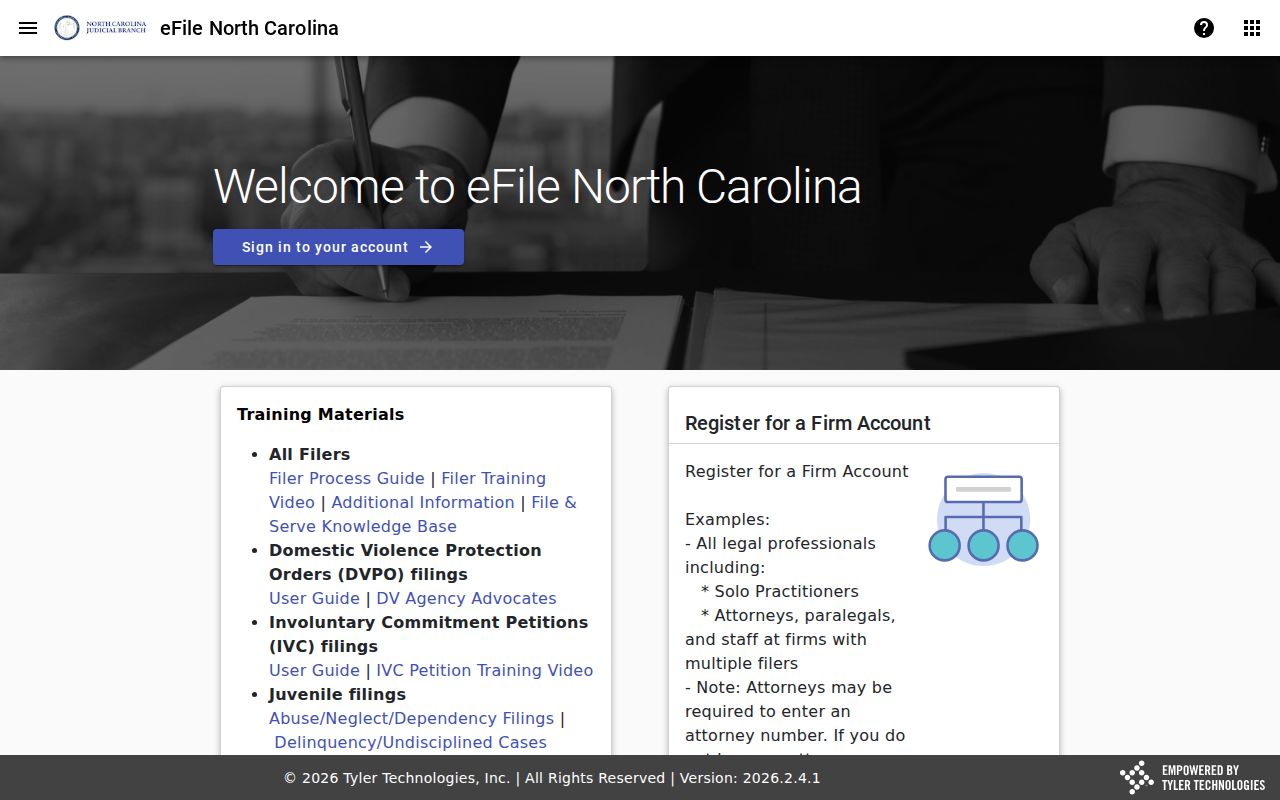
Two tools, two jobs. The Portal lets the public search and view case information. North Carolina File & Serve handles electronic filing of court documents. Both plug into the eCourts system, but they answer different questions. Need to look up a Surry County case? Use the Portal. Ready to submit a filing instead? File & Serve is the application for that task. The filing rules for your case type still apply.
The official File & Serve application has its own interface, built for filers rather than searchers. That difference is worth remembering. A filing tool is not a Surry County docket search, and treating it like one will only slow you down.
Portal cannot certify anything it shows. For an ordinary or certified copy of a Surry case record, name the file and the document you want, then ask the Surry Clerk of Superior Court.
Surry Case Search With No Match
A no-match answer has fixes. Check the spelling, the last-first name format, and the record number. Drop any restrictive status or type filter, then add Surry County to the search. Even then, a blank screen can mean several things. It may signal a format error, no public record, a paper file, processing, or an online-access restriction.
A public matter that still hides? Take the record number or full party name to the Surry clerk counter. A public self-service terminal works too. The clerk holds the county's court file. That route keeps alive the difference between an incomplete online display and the court's underlying public record.