
Surry County Civil Docket Searches
A Surry civil docket search runs through the North Carolina Portal. Smart Search takes an exact Enterprise Justice record number or a name typed last, first. Set Surry County as the location before trusting statewide results. From there, the Civil Actions, Domestic, Estate, and Special Proceedings filters trim a broad search. Advanced filters cannot work alone, so lead with a name or record number.
The Portal lets you view and search, not file. No paid account is needed. Click a returned case number to open the Case Summary or Register of Actions. Similar names can crowd the results. Add county, case type, status, and a filing-date range if offered. Public results mask the month and day of birth. That protects personal data. It still lets a name search be narrowed.
- Open Smart Search and enter a record number or party name in last, first form.
- Select Surry County as the location, then choose the civil group that fits the known matter.
- Use a filing-date range or case status only with the basic name or number criterion.
- Open the matching case number and review the Case Summary, hearings, and public documents.
- Ask the Surry clerk about a paper file, public access, or a certified copy when Portal is not enough.
Surry Civil Docket Portal Filters
Civil Actions is more than a broad label. The Portal's official options include Civil General, Civil Magistrate, Summary Ejectment, Civil Foreclosure, Confession of Judgment, Bond Forfeiture, and Non-Domestic Restraining Orders. Domestic cases sit in a separate group. Estates and special proceedings each carry their own published choices. Picking a type shrinks a large Surry result set. It still does not replace reading the actual Case Summary.
| Portal field | Use for a Surry civil docket | Important limit |
|---|---|---|
| Record Number or Name | Required first search criterion for a party or known file. | A name result can cover more than one matter. |
| Location | Select Surry County to limit statewide results. | It is optional, but needed for a county-focused search. |
| Case Type | Choose Civil Actions, Domestic, Estates, or Special Proceedings as relevant. | Do not use an advanced filter by itself. |
| Case Status | Filter Pending, Appealed, Reopened, Stayed, Unserved, or a disposition label. | An incompatible status can hide expected results. |
The official civil caseload activity report is the source represented in this image.
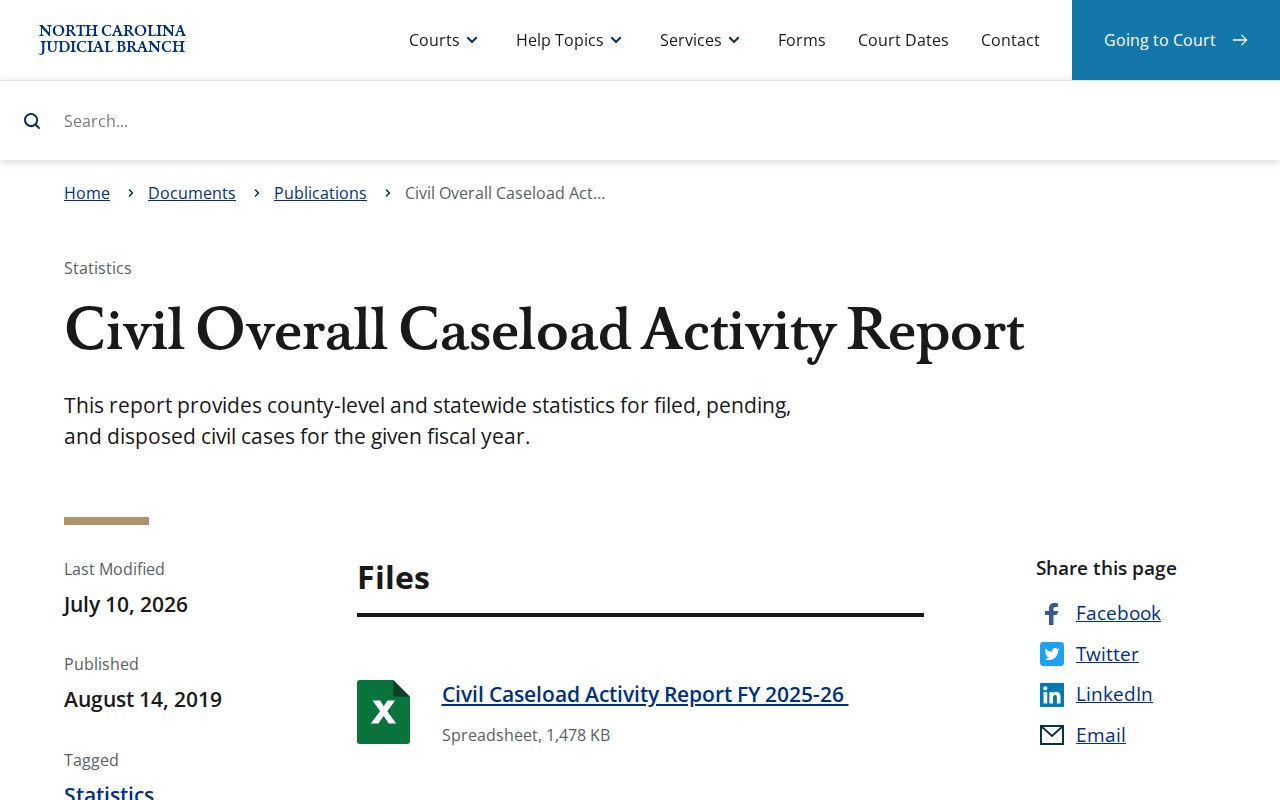
County-level civil reporting adds context. For the status and events of one Surry matter, the Portal case record is the place to look.
Civil Dockets: What They Show
A Surry civil Case Summary groups details by what they do. Case Information identifies the matter. Assignment Information shows which court or division it sits in. Party Information names the people and entities and their court roles. Civil, family, probate, or mental-health matters that qualify may also display Causes of Action. Case Events line up the dated sequence of filings, service, orders, and settings. Public documents can appear. The portal does not turn every event into a viewable pleading.
| Record number | The state Enterprise Justice identifier used to return the particular Surry case. |
|---|---|
| Assignment | Court and assignment context that helps place the action in the proper division. |
| Parties and claims | Party roles and, where the case type supports it, the stated cause of action. |
| Case Events | Dated entries for service, filings, orders, settings, and other case activity. |
| Hearings and disposition | Current hearing context and a recorded system result that should be read with events. |
| Financial Information | Displayed only when the case has financial data in Portal. |
Need the text of an order? Open an available public document or request the paper file from the Surry clerk. A docket event alone does not show every detail of a filing.
Surry Civil Docket Case Types
Surry's unified clerk system routes civil work through several court paths. Civil General is not the whole civil record in Portal. Civil Magistrate and Summary Ejectment are named civil options. Estates and special proceedings form their own groups. Domestic filings have separate choices, some with divorce claims and some without. The right Portal filter helps you find the file. Jurisdiction and court assignment still depend on the case.
- Civil General: a broad Portal category for qualifying civil actions.
- Civil Magistrate: a separate civil pathway in the published Portal choices.
- Summary Ejectment: a listed civil case type, not a municipal court record.
- Civil Foreclosure: Portal identifies separate CV and M foreclosure options.
- Estates and Special Proceedings: separate groups that should be selected when known.
Note: a case type only shows how Portal groups a matter. The docket and public documents hold the case-specific details.
Surry Civil Docket Allocation Line
North Carolina draws its civil allocation line at $25,000. Cases at $25,000 or less belong in District Court. Cases above $25,000 belong in Superior Court. Treat the rule as a first orientation for Surry civil docket searches. It is not a substitute for the assignment shown in the individual file. The clerk keeps the county's records for both civil divisions. The Portal and clerk routes still apply. G.S. 7A-243 is the official source, and it spells out the allocation rule this page illustrates.
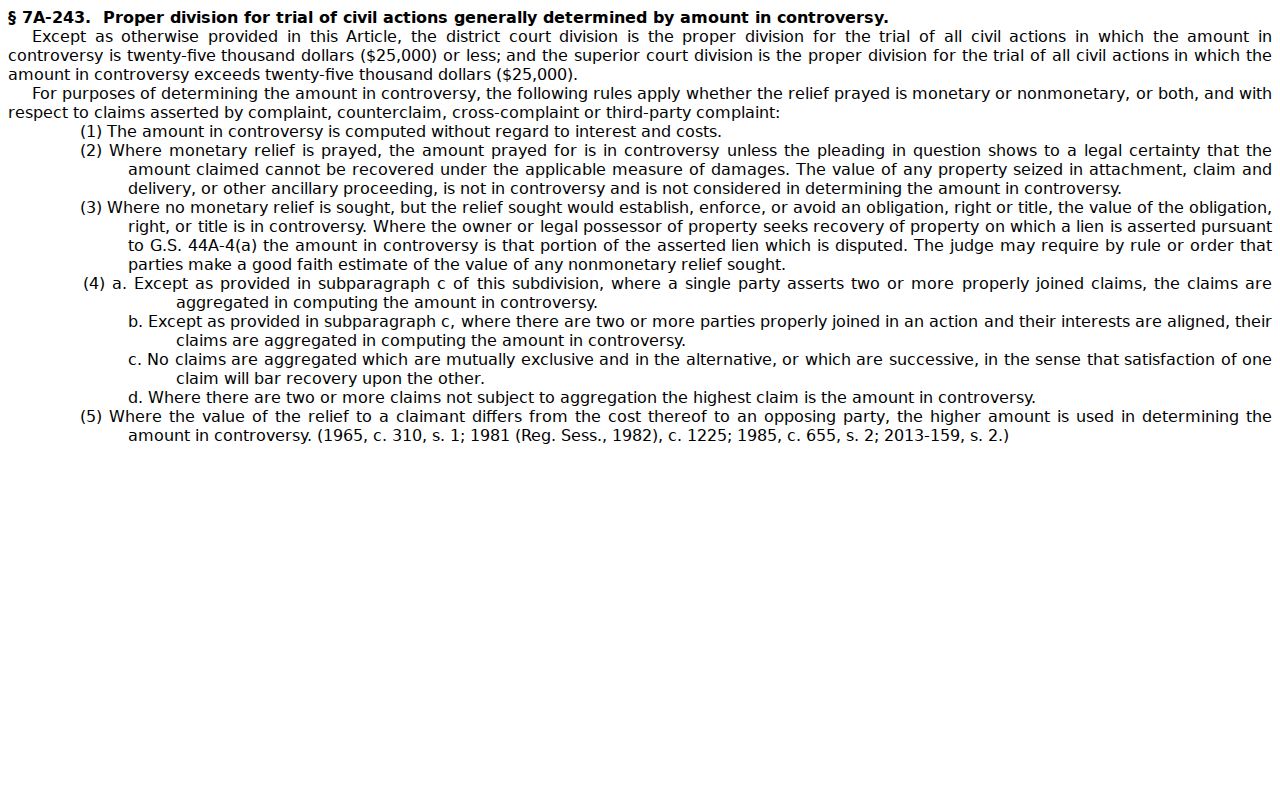
That statute explains why a Surry civil file can land in either District or Superior Court. Either way, the county keeps one clerk system.
What Cases Fill the Civil Docket
Civil docket activity can include claims, service steps, motions, hearings, orders, judgments, dismissals, and post-disposition entries. Published civil status choices include Pending, Appealed, Reopened, Stayed, Unserved, Transfer to Another County, Transferred to Superior Court, and Trial De Novo. Disposition labels go further. They name a clerk disposition, a no-trial judgment, a judge, jury, or magistrate trial, a voluntary dismissal, or a dismissal by court order.
Do not build a story about the result from a label. Unserved, for instance, calls for the related process entry or document. A disposition label never replaces the signed order. Read the events, the disposition section, and any available document together in a public Surry file.
Surry Civil Docket Schedule PDFs
Surry's local administrative schedules page links the statewide civil and criminal calendar services. Its Superior Civil Court subsection lists no named PDF. That does not mean a Surry civil case has no setting. For a single case, check the Portal Hearings section. Or use Search Hearings. Then confirm any conflict with the clerk. The 2026 Surry civil local-rule publication is the source represented here.
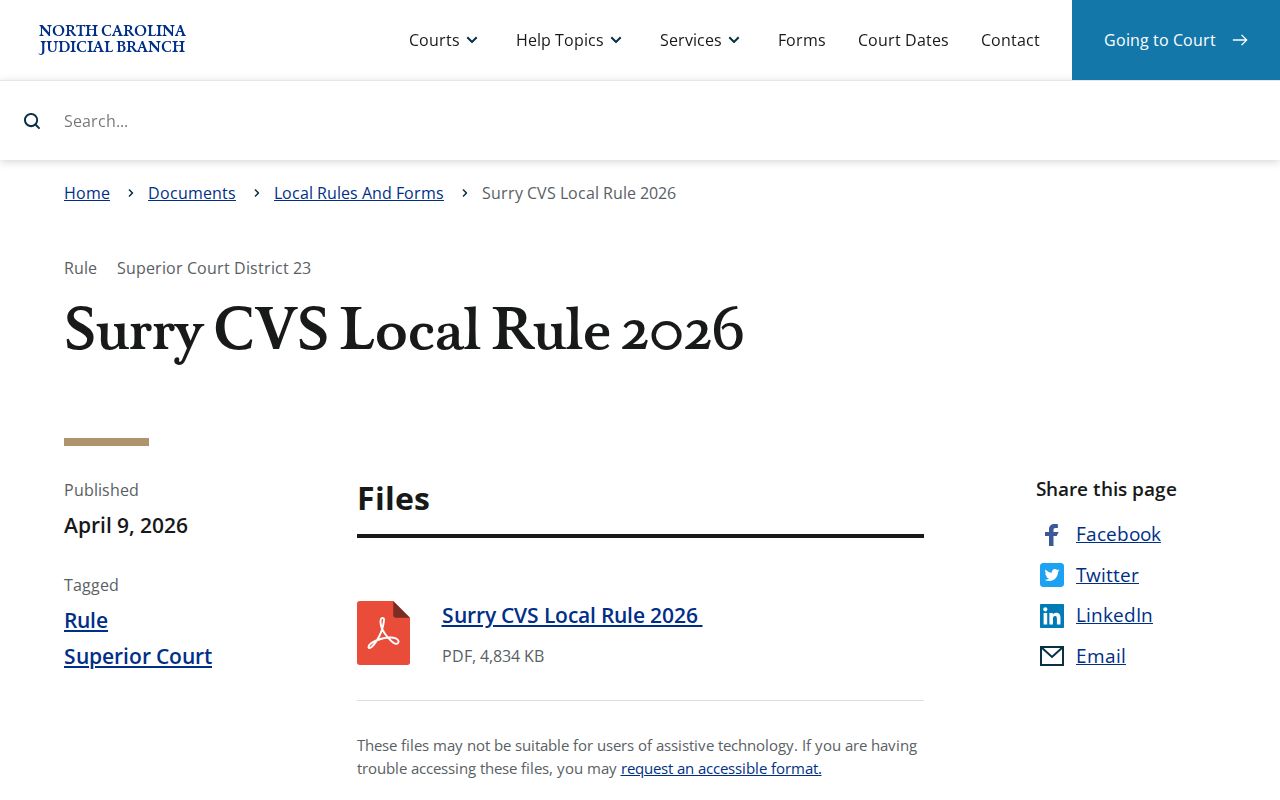
Trial calendars, calendar call, continuances, bankruptcy, and inactive status all appear in the local rules. Still, the current case setting governs, so check that record before relying on anything else for a Surry County civil docket date.
Hearings on the Civil Docket
For a current civil setting, Portal Search Hearings is the public route. Pick Surry County and a hearing type, then a search type such as case number, party name, attorney, judicial officer, or courtroom. Finish with a date range. The result can show the current time and location. It will not say whether a hearing is virtual or in person. Take any remote-link or attendance question to the clerk.
When a civil date changes, an older session PDF will not save you. Set the Case Summary's hearing and event history beside the Search Hearings result. Compare them. A continuance is a court-authorized postponement; a reset is a new date after an earlier setting shifts. Whenever the online records disagree, the Surry clerk is the confirmation point.
The Surry CVS Local Rule 2026 also covers scheduling for trial, trial calendars, calendar call and weeks of court, continuances, clean-up calendars, bankruptcy, and inactive status. Those procedure headings explain why one civil matter can carry several calendar-related entries. They do not replace the specific hearing line. Nor do they replace an order or clerk confirmation on a Surry civil docket.
Surry Civil Docket Clerk Route
One public location in Dobson serves every civil channel. That covers Superior Court, District Court, magistrate civil, estate, and special proceedings. The Surry County Courthouse sits at 201 E. Kapp St., Dobson, NC 27017. Call the clerk at (336) 386-3700. Ask for Civil, Estates, or Special Proceedings depending on the file. Even when another division hears the matter, this office keeps the county's public case records.
Surry Clerk of Superior Court
201 E. Kapp St.
Dobson, NC 27017
(336) 386-3700
Use the counter or public self-service terminal for eligible public civil, estate, and special-proceeding records.
Portal → Search Hearings or the county calendar route → clerk counter or terminal is the practical sequence. Request ordinary or certified copies from the clerk. The research found no official Surry civil copy-order form, fee table, or processing-time table, so confirm those details before ordering.
Who Can See Civil Dockets
Under G.S. 7A-109, dockets, files, indexes, and other clerk-maintained records are open to public inspection unless a law says otherwise. Portal shows the publicly available records. Sealed and confidential materials never appear there. When an online document is missing or a historical paper file is still held locally, a public self-service terminal or the Surry clerk counter matters. Certification comes from the clerk, not Portal.
Public civil-file access:
G.S. 7A-109 covers clerk-maintained dockets, indexes, and public inspection unless law prohibits access.
G.S. 132-1 states North Carolina’s public-record policy and minimal-cost copy principle.
Judicial Branch public-record guidance explains inspection, copying, and permitted redaction of confidential portions.
A paper case file can hold a public record that Portal never displays. For a case history or a current setting, the related Surry docket search route can locate the public case number first. Then a clerk request goes faster.