
Surry County Court Record Requests
Know what you want before you ask. A case number, a party name, the division, and an event date all help the Surry clerk route a request quickly. So does a document title. Portal gives free public access to Case Summaries and sometimes shows public documents too. The record may live in a paper file. It may simply not be online. Either way, the Surry County Clerk of Superior Court holds it. Tell the clerk whether you need an ordinary copy or a certified one. Transcripts and audio copies move through their own separate paths.
Work the chain in order. Portal comes first, then the Surry clerk by phone or at the counter. After that comes a public self-service terminal or paper-file review at the courthouse. A mail request works where the court permits it. State NCAOC public-record channels handle records NCAOC itself holds. They never replace the local clerk for a Surry case document.
- Find the Surry case number in Portal and note the court division and public event or document title.
- Decide whether the needed item is a Case Summary, an ordinary copy, a certified court copy, a transcript, or an audio record.
- Use Portal for a public online view, then call or visit the Surry Clerk for public paper files and county case copies.
- Provide the file details and ask for the current copy, certification, payment, and turnaround requirements before sending funds.
- Use the clerk's directions for mail delivery or return to the counter or terminal if the file must be inspected locally.
Surry Case Summary, Documents, and Certified Copies
Each record answers a different question. The Case Summary is the public Register of Actions inside North Carolina Portal, laid out as a running view of public case events. A document is the actual filing, order, judgment, notice, or other item tied to one of those events. It appears where it is public and available. A certified copy carries the clerk's certification. That matters when an official court copy is required. Portal is great for finding a record. It cannot certify a county case document, so that part stays with the clerk.
| Record | Best use | Surry source |
|---|---|---|
| Case Summary | Find the public filing and hearing history | North Carolina Portal |
| Public document or paper file | Review an available filing, order, or historic record | Portal where available, then the Surry clerk or public terminal |
| Certified copy | Obtain a clerk-certified county court document | Surry County Clerk of Superior Court |
| Transcript or audio | Obtain the verbatim court record through the correct separate channel | Reporter, transcriptionist, or AOC-G-114 process as applicable |
Note: A Portal printout can help you identify a Surry record, but only the clerk can certify the county case document.
Kinds of Surry County Court Records
The Surry clerk keeps far more than criminal and civil docket sheets under the unified court system. Local file divisions include Civil, Criminal District, Criminal Superior, Estates, Juvenile, and Special Proceedings. Name the case type in any public request, because access and location vary. A District Court traffic file is not a Superior Court felony file. A civil judgment differs too. So do an estate matter and a juvenile file. None are treated as identical public records.
Public status matters just as much as the case type. Many court files can be inspected through Portal or in the county of filing. Juvenile records are confidential. Sealed, expunged, and other restricted material will not come out through an ordinary request. If a Surry result is missing or redacted, the clerk can explain the county channel. Staff cannot hand you a workaround around a legal access limit.
- Criminal District and Superior case files, including public Case Summary entries and orders.
- Civil case files, judgments, motions, and public court calendars.
- Estates and special-proceedings records maintained through the unified clerk structure.
- Public docket indexes and Register of Actions information.
- Restricted juvenile, sealed, and expunged categories subject to separate access rules.
Surry Clerk and Public Terminal Access
Surry runs a single operational courthouse. The clerk counter sits at 201 E. Kapp St. in Dobson. The official court page lists weekday hours of 8:00 a.m. to 5:00 p.m. It also lists a main routing number of (336) 386-3700. Even after eCourts, that office still matters. State guidance says public self-service terminals at clerk offices can search criminal cases by defendant name, case number, victim, or witness. They provide civil, special-proceeding, and estate information as well.
Treat a terminal as a search and inspection channel. It is not a promise that every record is public, online, or ready for immediate certification. It shines on one gap. A Surry historic paper file or public document may not be visible in Portal. State guidance also says paper files in the county of filing may be viewed. Copying them costs a fee. Check the current procedure with the clerk first.
Surry County Clerk of Superior Court
201 E. Kapp St.
Dobson, NC 27017
(336) 386-3700
The Judicial Branch explains the terminal and paper-file route for North Carolina court records.
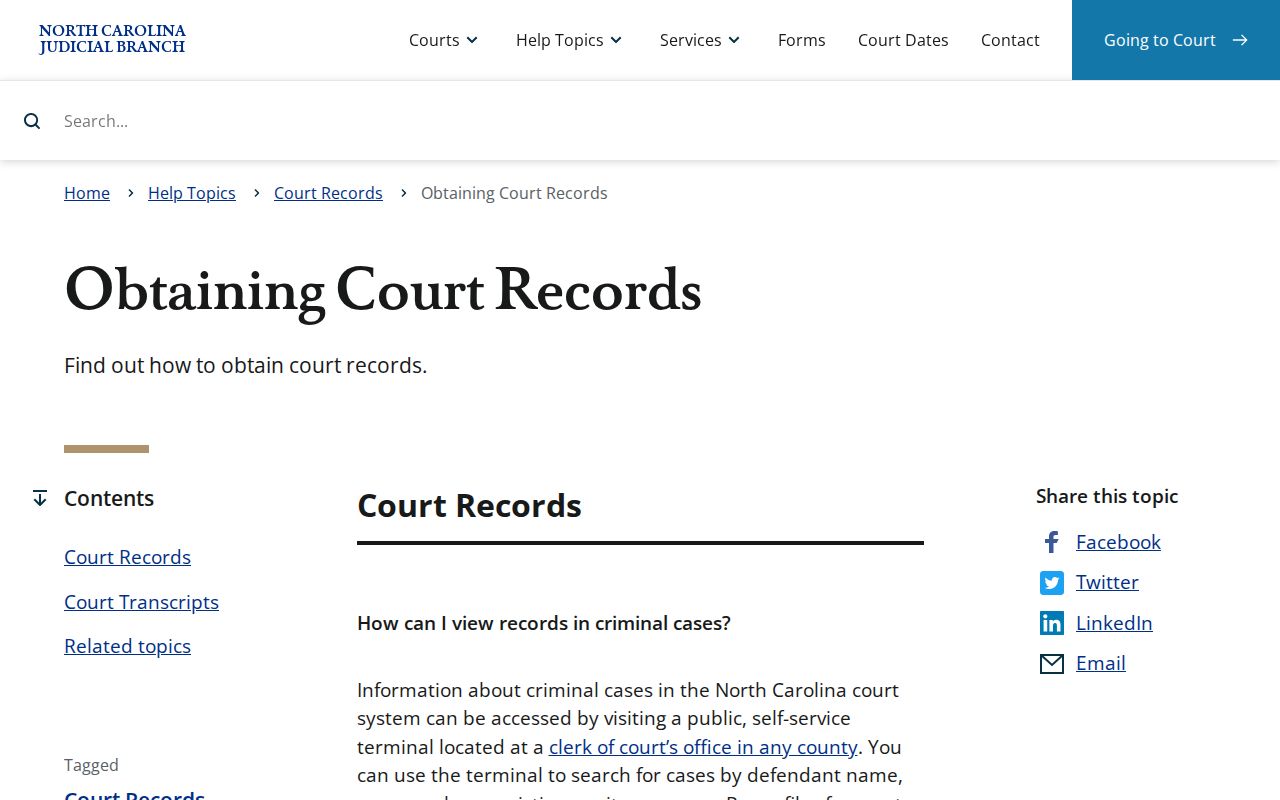
This official resource reinforces that a Surry records search can continue at the county clerk when an online result comes back incomplete.
Court Records: What They Contain
A Surry court file runs wider than a single docket entry. The Case Summary gives the chronological public history. The file itself can hold pleadings, motions, orders, judgments, notices, and exhibits that are public and available. Exact contents depend on the case type and the court's record practices. A public document may show up in Portal. It may sit in a paper file. Or it may need a clerk copy request. Never assume the online list of events includes every attachment.
| Case number | The Surry file identifier used to locate the record in Portal and with the clerk. |
|---|---|
| Case Summary | The chronological public Register of Actions, including case events and settings. |
| Pleadings and motions | Filed requests, responses, and motion practice that are public and available. |
| Orders and judgments | Court rulings and dispositions. Ask the clerk for certification when an official copy is needed. |
| Transcripts and audio | Separate verbatim records that are not the same as a docket printout or ordinary clerk copy. |
The plain-language public-record source walks through inspection, copying, redaction, and the limits that can apply to a requested record.
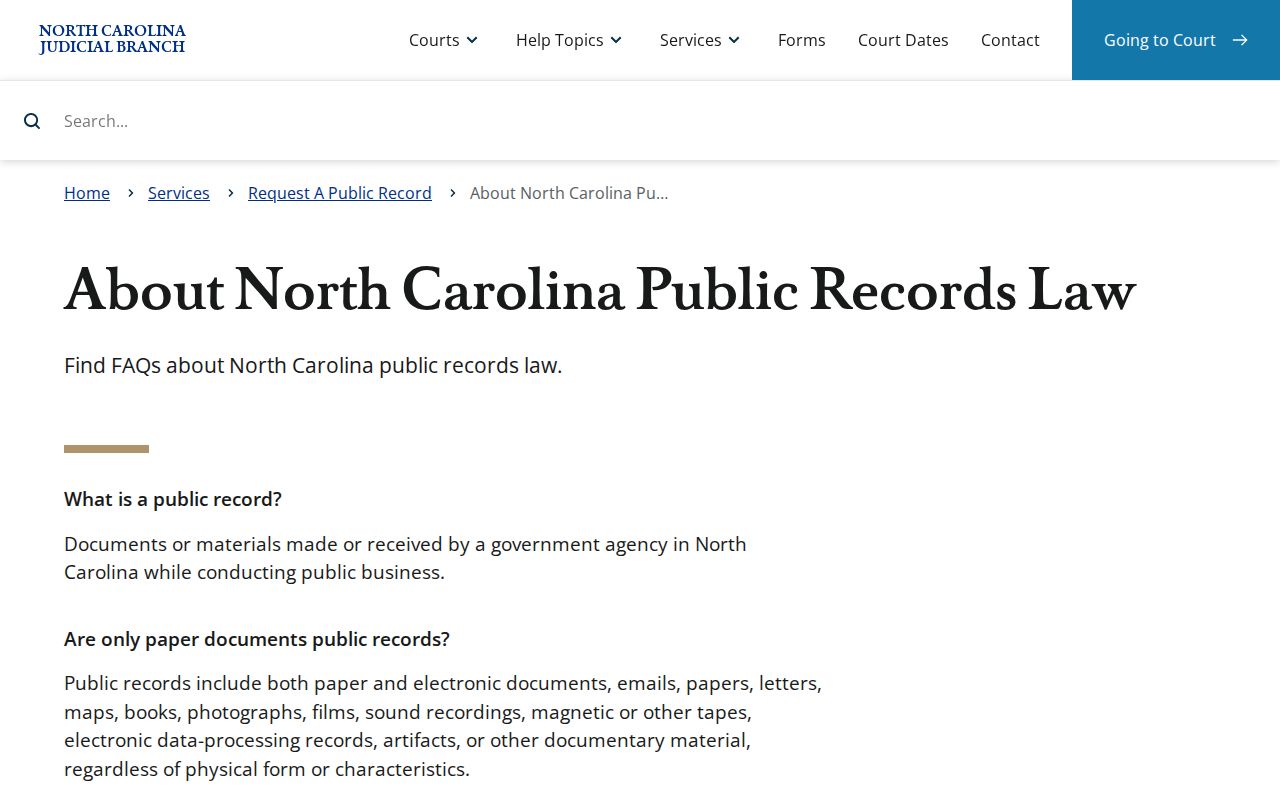
Its redaction discussion explains why an obtainable copy can differ from the document a requester expected to see.
Surry Audio Records and Transcripts
A transcript is typed word for word by a court reporter or transcriptionist. It is not a photocopy from the clerk. It is not the audio. An eligible nonconfidential District Court proceeding may have been recorded electronically. The state form for a duplicate verbatim audio record is AOC-G-114. The requester lists the county. The case name or number goes on too, along with the proceeding date, the judge, the courtroom, and contact details.
Send the completed form to the clerk in the county where the case was filed. Juvenile and confidential hearings are excluded. No flat Surry audio or transcript fee is published. Follow the form and the clerk's current instructions instead of guessing at a cost. An audio log is not a full court file either. Say exactly which record you need. That makes misrouting far less likely.
Copy Fees and Certification
Portal case lookup costs nothing, but that does not create a free certified-copy service. The Surry clerk sets no published fixed price for an ordinary case-file copy, a certified copy, or a guaranteed turnaround. Ask the Surry Clerk for the current price before you mail payment. The NCAOC public-record rate of $0.25 per page covers NCAOC records only, so do not treat it as the county clerk's case-file rate.
| Service | Located amount or method | Limit |
|---|---|---|
| Portal public case lookup | $0 | Public access only. No certification. |
| Surry ordinary or certified court-file copy | Current clerk quote required | No official Surry amount located in the research. |
| NCAOC public-record copy | $0.25 per page; inspection free | For NCAOC records, not automatically a Surry court-file rate. |
| AOC-G-114 audio copy | Copying and blank-medium cost under form conditions | No fixed amount printed; confidential matters excluded. |
The Judicial Branch's public-record policy states the NCAOC request and fee framework.
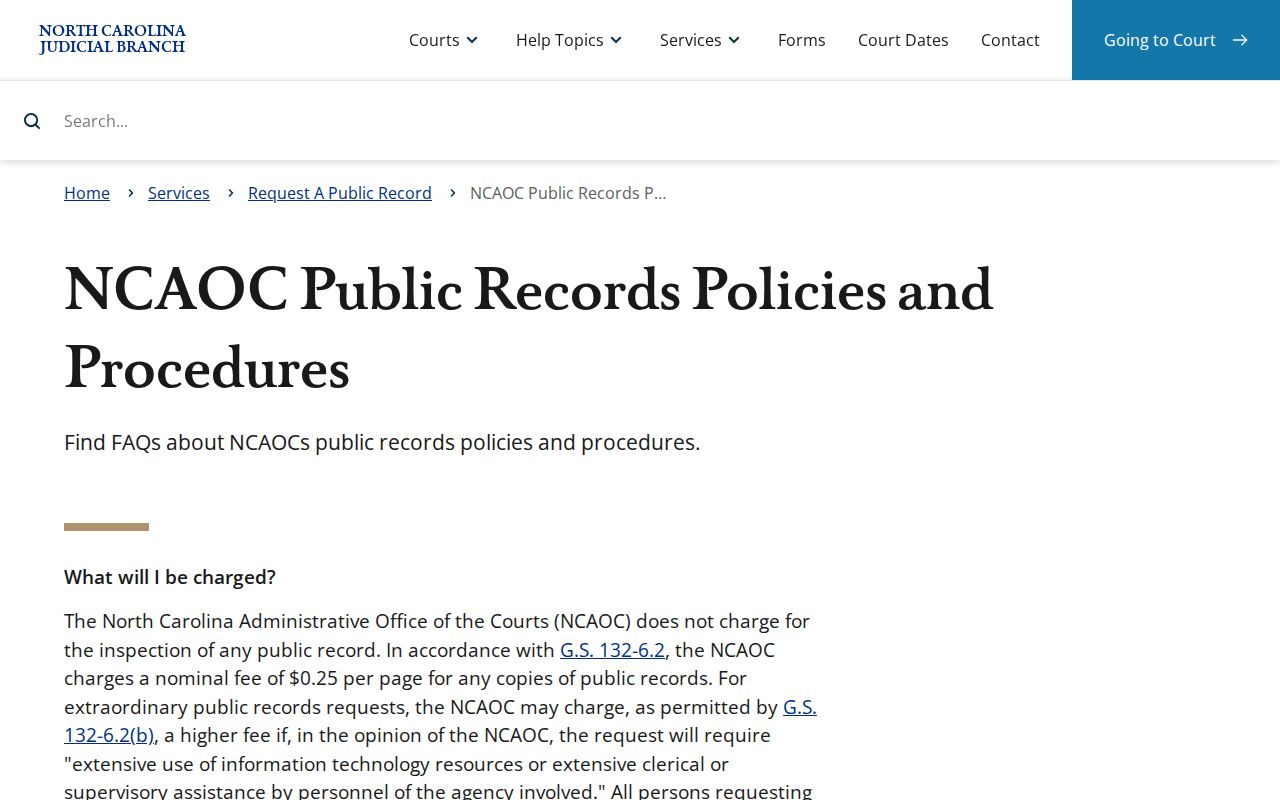
It helps separate an administrative-record request from a clerk-held Surry case-document request.
Surry Paper Files After eCourts
Surry joined eCourts Track 9 in July 2025. North Carolina has since finished its statewide Enterprise Justice/Odyssey conversion. Legacy case data from older systems was carried over. Even so, the state FAQ still acknowledges that a paper file may exist. So do not treat an online Case Summary as proof of anything. It does not show that every historic document image is online. When you follow up on a Surry file, give the clerk the case number. Include the case type and the event date too.
The public court-record statute keeps the clerk at the center of recordkeeping. That makes Surry's historic courthouse a physical fallback for old records. It also remains a working partner in digital access today. The right result depends on the record and its access status. It might be a Portal view. It might be inspection at a terminal, a paper-file copy, or a certified copy. North Carolina's court-docket statute is the primary authority for the clerk's docket and index responsibility.
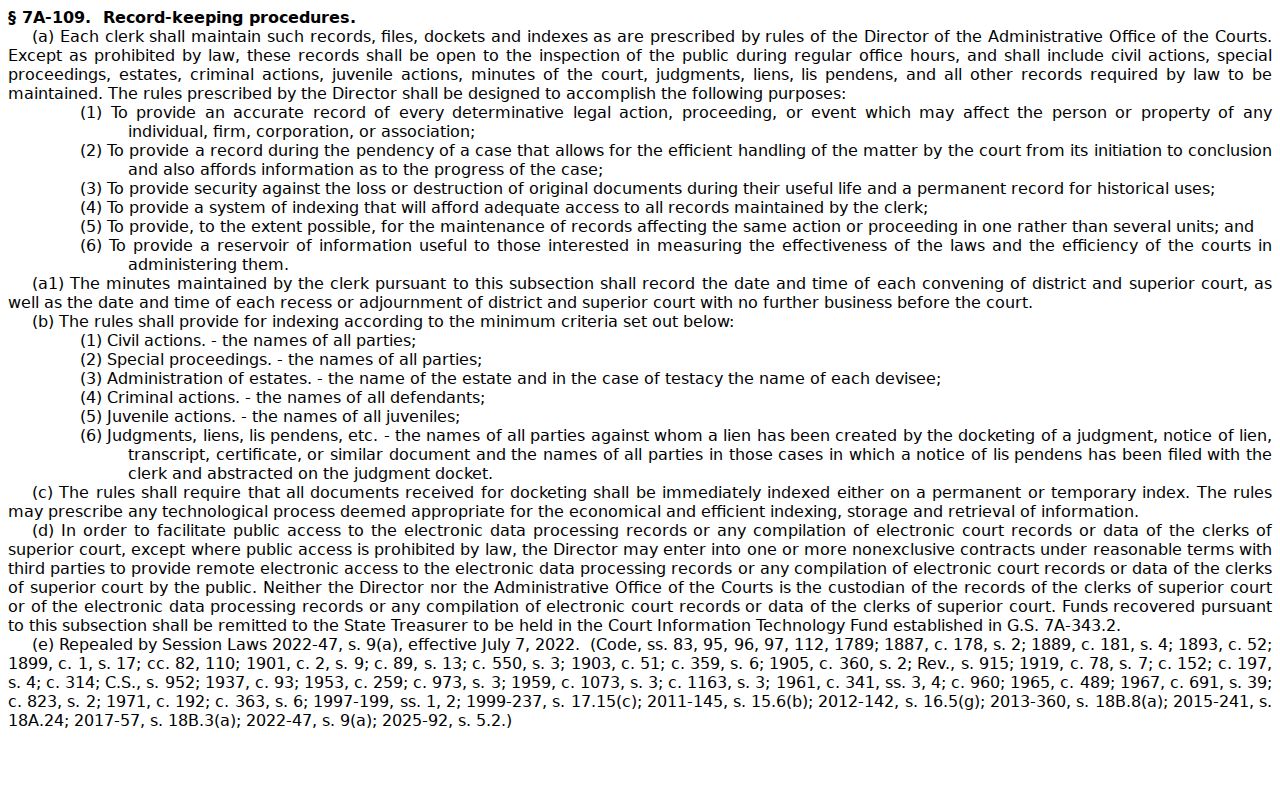
That statutory role points to a clear lesson. A historic Surry case belongs with the county clerk, not an unrelated database.
Access Rules for Court Records
North Carolina opens its clerk dockets and indexes to the public. But the access is not unlimited. Juvenile files are confidential. Sealed and expunged material sits outside ordinary public-record content. Confidential personal information may be redacted. Some case categories also face controls on what is displayed online. The Surry clerk can point a requester to the proper channel for a public request. Any access beyond what is public requires a lawful basis.
Key access authorities:
G.S. 7A-109 addresses clerk-maintained dockets and indexes and their public-inspection role.
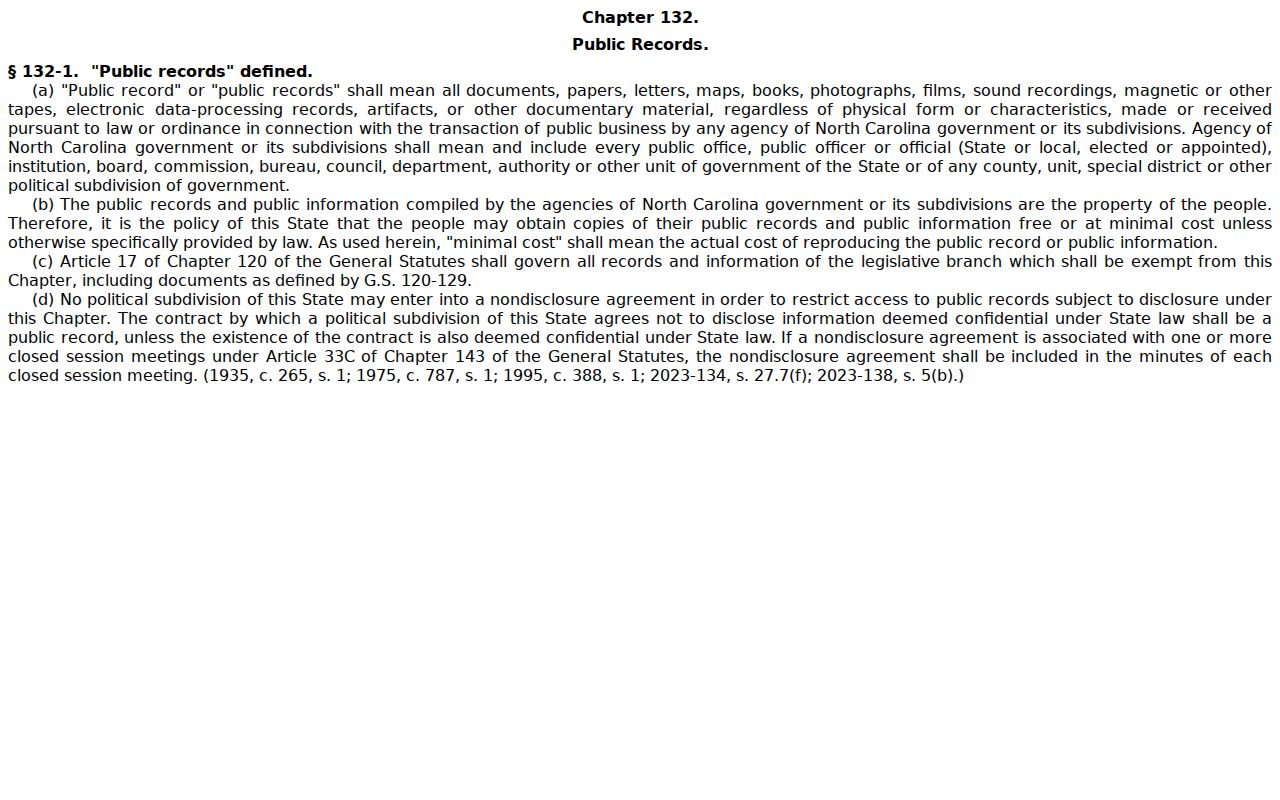
G.S. 132-1 defines public records and supports inspection and copies under the applicable rules.
G.S. 7B-3000 protects juvenile court records through confidentiality provisions.
What NCAOC Can Process for Surry
NCAOC runs statewide judicial services and takes public-record requests for records it holds. Mail, online, and in-person channels are all allowed under its policy. That policy also covers denial reconsideration and mediation information. The route fits an administrative record in NCAOC custody. It cannot bypass the Surry clerk. A county case file, a clerk-certified order, or a document held in the local court record must go through the clerk.
Keep the offices straight and you save time. Use Portal for free public case access. Use Surry Clerk for the county court file, inspection, and certification. Go to the reporter, transcriptionist, or audio form for a verbatim record. Need only the case number before requesting anything? The Surry Docket Search page walks through the Portal route.
The official state source shows the statutory public-record definition and minimal-cost policy.
None of that shifts which agency or clerk holds a particular Surry case document.